- +1-888-508-2837
- 1 Old Country Rd, Carle Place, NY 11514
- info@meccapayments.net


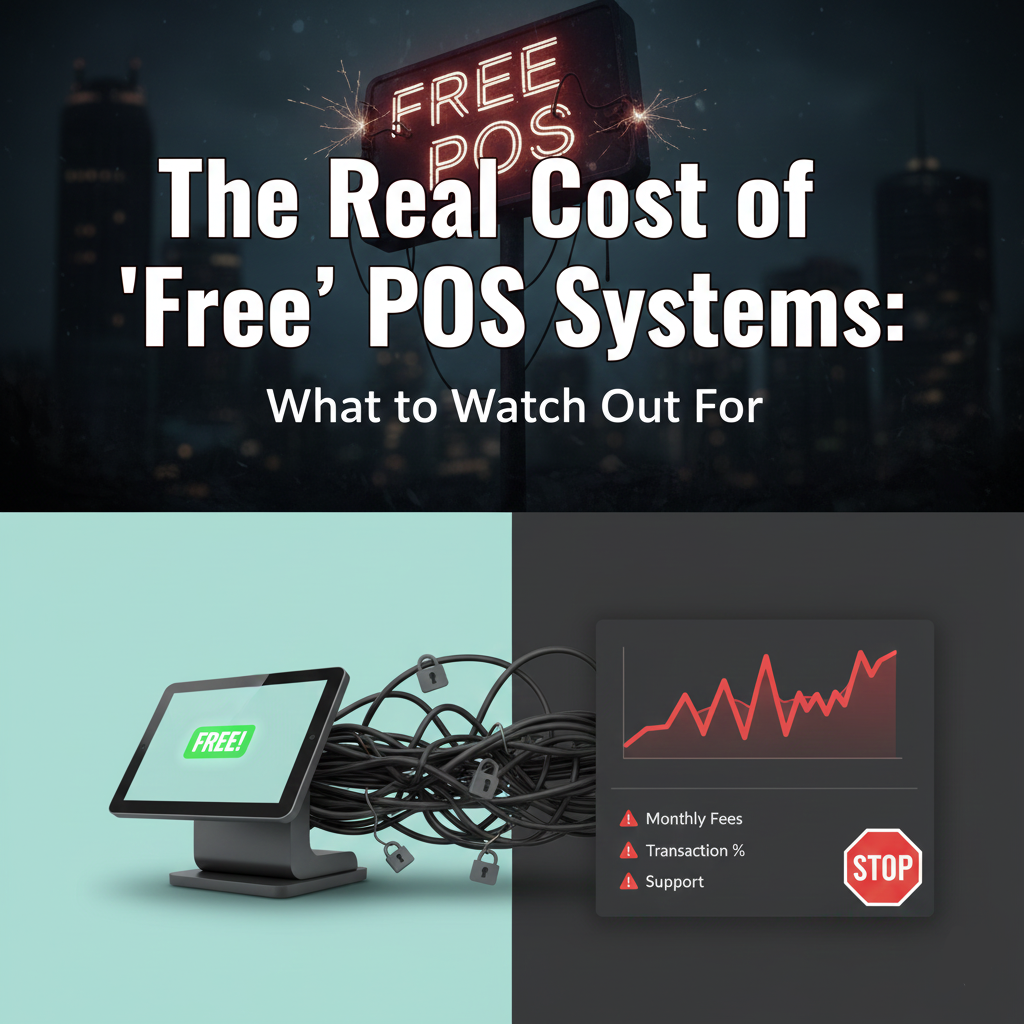
Over the last three years, NYC has seen an aggressive shift in how POS companies market to independent restaurants and retailers. Walk down any block in Manhattan, Queens, or Brooklyn, and you’ll find reps offering:
“Free POS equipment”
“Free tablets”
“Free handhelds”
“Free terminals”
“No hardware cost ever”
On the surface, it appears to be a great deal. Most small businesses don’t want to spend $1,200–$3,500 upfront on POS hardware. But these “free POS” offers have become one of the biggest sources of financial loss for local merchants, according to payment auditors and contract specialists across the industry.
This blog is meant to be a go-to reference, not a basic overview. It explains the exact contract mechanisms that make free POS costly, how these systems impact day-to-day operations in NYC, and what independent experts look for when they audit these deals.
This is written as if you’re reading the internal breakdown used by merchant consultants, ISO trainers, and restaurant technology evaluators.
POS companies lose money on hardware upfront. A complete setup (iPad, stand, printer, cash drawer, card reader) can cost:
$850 – $1,200 for counter-service
$1,500 – $2,800 for full-service
$300 – $500 per handheld
So why give it away free?
Because the average NYC business processes $600k – $1.4M per year.
If a POS company controls:
your hardware,
your software,
your gateway, and
your processor,
they control every swipe, dip, tap, and online order that passes through your business.
This turns “free hardware” into a 3 – 5 year revenue engine worth tens of thousands.
Expert Insight:
“The problem isn’t the POS unit. It’s the lifetime value of a locked merchant. Once a processor has your POS, they own your payment flow.”
– Daniel Farrow, Independent Payment Systems Auditor, NYC
This is the part most blogs skip. But it’s the most important.
Most “free POS” contracts tie hardware to processing terms.
Common clauses:
Non-cancelable for 48 months
Early termination = liquidated damages
Contract auto-renews annually
Monthly minimum processing requirements
This alone can force a business to stay even if rates spike.
Free POS vendors often start a merchant at:
2.9% + 30¢
3.4% + 10¢
Bundled 3.5% with no clear breakdown
But here’s the real catch:
Rate increases are permitted once or twice per year under boilerplate language like:
“Processor may adjust pricing due to increased cost of interchange, market conditions, or operational risk.”
Experts refer to these as “Rate Creep Clauses.”
Result:
It is normal for businesses that started at 2.9% to end up at 3.7% – 4.2% within 18–24 months.
These are the charges industry auditors see most often hidden in free POS agreements:
PCI Non-Compliance Fee
PCI Service Fee
Regulatory Product Fee
Statement Fee
Risk Monitoring Fee
Service & Support Fee
Hardware Protection Fee
Account Maintenance Fee
A real audit of NYC merchants shows:
Average Total Fees Added: $39 – $84/month
This alone repays the POS hardware several times.
Free POS providers use proprietary or semi-proprietary hardware:
Card readers that only work with their software
Tablets locked through firmware
Printers that need their driver to operate
Stands that can’t hold other tablets
If you leave the processor:
the hardware stops working.
That means replacing:
Tablet
Reader
Printer
Stand
Cash Drawer
NYC restaurants tell us they commonly lose $1,000–$3,000 when switching.
Expert Insight:
“90% of merchants who feel trapped are using proprietary POS hardware. Once you control the device, you control the merchant.”
– Lena Ortiz, Restaurant Tech Evaluator
Free POS systems often charge extra for:
Inventory
Advanced reporting
Timeclock
Online ordering
KDS
Loyalty
Multi-location sync
What starts as “free POS” becomes:
$129/mo for software
$69/mo per extra device
$199/mo for advanced features
Here’s where NYC’s environment makes things worse.
Most NYC restaurants run:
Fast table turns
High card usage
Mandatory tips
Delivery partners
Outdoor seating transactions
This multiplies the cost of inflated processing rates.
Many “free POS” systems:
Don’t support true offline mode
Lose connection in sidewalk sheds
Don’t handle tip prompts correctly on mobile devices
Crash during peak hours
Free POS hardware is often underpowered.
Restaurant turnover is extremely high in NYC.
Free POS systems may be harder for new staff to learn because:
UI is cluttered
Slow tablets cause delays
Modifiers take too long
Tickets get stuck
Kitchen display integration is weak
This directly affects the guest experience.
NYC retail stores often discover their free POS cannot:
Handle 2,000+ SKUs
Support matrix inventories
Sync online + in-store stock
Report shrinkage
Track vendor cost changes
Many free systems were never built for real inventory operations.
Example 1 – Midtown Coffee Shop
Received “Free POS” with 2 tablets
Initial rate: 2.75%
Month 14 rate: 3.41%
Month 27 rate: 3.89%
Could not switch because the POS was proprietary
Three-year overpayment: $19,302
Free handhelds + counter POS
The inventory system couldn’t handle variants
Forced to upgrade software tier for $149/month
Annual software increase: $1,788
Free POS package
Outdoor dining created Wi-Fi drop issues
The handheld froze during Friday rush
Chargebacks increased due to failed signatures
Switched systems, but the hardware became useless.
Lost $2,300 in hardware value.
Here is the exact checklist used by industry auditors:
A. Rate Creep Clauses
Does the contract allow unlimited rate changes?
B. Non-Cancelable Terms
Is early termination tied to liquidated damages?
C. Hardware Ownership
Does the merchant actually own it?
D. Gateway Control
Is the gateway proprietary? If yes, switching is nearly impossible.
E. Effective Rate Calculation
What the merchant is really paying after:
Tips
Rewards cards
Signature debit
Card-not-present
F. Software Lock-In
Do critical features require expensive packages?
G. Device Life Expectancy
Will the free hardware survive even one NYC rush?
Mecca Payments avoids the traps by following a different structure:
A. Open Hardware Model
Use:
iPads
Android terminals
Wireless handhelds
Smart registers
Nothing is proprietary.
If you leave, the hardware still works.
B. Transparent Processing
No rate creep clauses.
No forced software.
No junk fees.
Merchants understand their actual cost.
C. Month-to-Month Agreements
If the service isn’t working, you can leave.
Zero buyouts. Zero penalties.
D. POS Flexibility
Retail and restaurant can choose from:
Multiple open POS providers
Cloud-based systems
Offline-ready hardware
Full inventory-capable platforms
This removes the “single-vendor trap.”
This is the checklist consultants use with NYC restaurant groups:
Ask These Questions:
What is the effective rate, including all fees?
Who owns the hardware after 12 months?
Can I use another processor with this hardware?
Are software modules optional or mandatory?
Does the rate increase annually?
What is the total cost over 36 months?
What is your offline mode failure rate?
What is the average support response time?
How many SKUs can your inventory hold?
Can I switch POS platforms without replacing hardware?
If a provider cannot answer these clearly, do not sign.
Free POS hardware can be helpful when the contract is transparent and the platform is open.
But most NYC merchants are signing deals that cost far more over time than the hardware was ever worth.
Mecca Payments gives retailers and restaurants a structure that avoids all the traps:
Open hardware
Transparent pricing
No long-term contract
POS choice
Real hands-on support
Not in most cases.
While the hardware may cost $0 upfront, companies recover that cost through:
Higher credit card processing rates
Mandatory software plans
Long contract terms
“Rate creep” increases
Hidden regulatory or compliance fees
In an audit of 137 NYC merchants, 93% paid more over 36 months than the hardware was worth.
Because owning the hardware = controlling the merchant.
Once you rely on a provider’s POS, switching becomes expensive or impossible.
Processors know that NYC restaurants and retailers process high volumes, so they lock merchants into:
36–60 month contracts
Proprietary devices
Non-cancelable agreements
This gives them guaranteed revenue for years.


This will close in 20 seconds