- +1-888-508-2837
- 1 Old Country Rd, Carle Place, NY 11514
- info@meccapayments.net


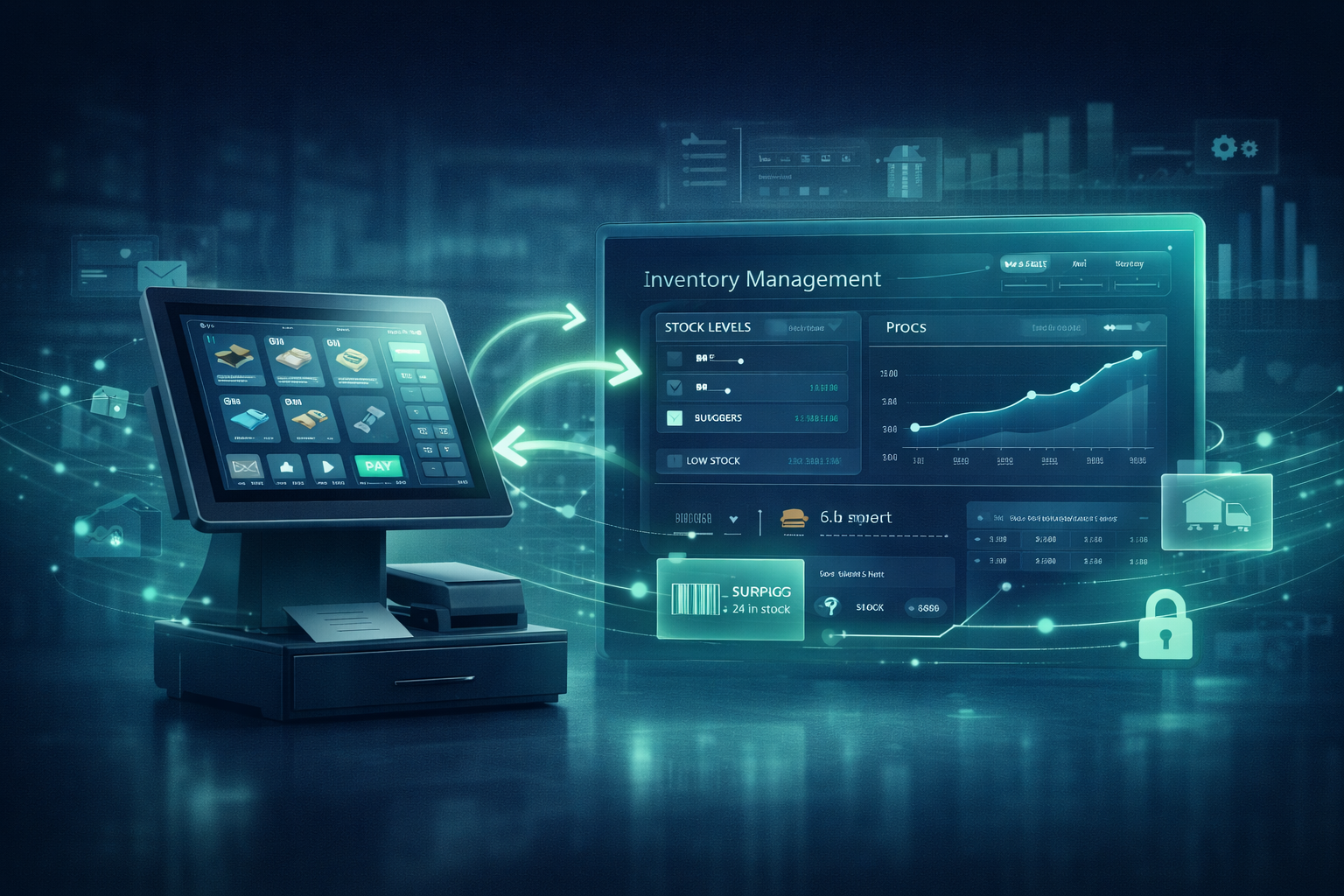
If I am running a retail store or a restaurant, I do not want my team wasting time fixing problems that should never exist in the first place. When my POS system and inventory management are disconnected, those problems show up everywhere. Stock counts go out of sync. Staff members spend extra time double-entering data. Popular items run out unexpectedly. Reporting becomes unreliable. And customer service suffers because the systems behind the counter are not talking to each other.
That is why I see POS and inventory integration as much more than a technical improvement. It is an operational upgrade. When the right systems work together, I can track sales more accurately, manage stock with less guesswork, improve ordering decisions, and create a smoother experience for both staff and customers.
For businesses evaluating Mecca Payments, this topic is especially relevant because Mecca Payments positions itself around POS systems, seamless point-of-sale integration, software compatibility, technical support, and business management tools for merchants in industries including retail and hospitality. Its site also highlights payment analytics, reporting, and broader software solutions for managing sales and operations.
I have seen many businesses treat their POS and inventory tools as separate systems. On paper, that may seem manageable. In real operations, it usually creates friction.
If a POS system records sales but does not update inventory automatically, I end up relying on manual corrections. In retail, that can lead to overselling, missed reorders, and inaccurate counts. In restaurants, it can create recipe-level stock problems, menu item issues, and purchasing inefficiencies.
A connected setup helps me reduce those gaps. Mecca Payments’ site specifically promotes seamless point-of-sale integration, software compatibility, and reporting capabilities, while one of its POS product pages highlights inventory management, employee tracking, and analytics as part of the POS feature set.
In simple terms, POS and inventory integration means the sales activity happening at the register, terminal, or ordering system automatically updates my stock records in the background.
That can include:
When I have this kind of setup, I do not need staff to constantly reconcile two separate systems by hand.
Before I think about integration, I first look at what is already going wrong. In most cases, the symptoms are easy to spot.
My team enters information into the POS, then re-enters it into inventory or spreadsheets later. That wastes time and increases the chance of mistakes.
If sales are not updating inventory in real time, the numbers I see in reports may not reflect what is actually on the shelf or in storage.
When stock data is unreliable, I either over-order and tie up cash or under-order and disappoint customers.
Disconnected systems make it harder to understand what is selling, what is sitting, and what needs attention.
Retail staff and restaurant managers end up spending valuable time fixing system mismatches instead of serving customers.
These are exactly the kinds of efficiency issues that businesses try to solve with integrated payment and software environments.
In retail, inventory accuracy directly affects revenue.
If I sell apparel, electronics, grocery items, beauty products, or convenience goods, I need to know which SKUs are moving, what needs restocking, and whether my reported stock is trustworthy. A properly integrated POS and inventory workflow helps me:
Mecca Payments states that it serves merchants with POS systems, software compatibility, reporting tools, and solutions for businesses of different sizes, which aligns well with the needs of retail operators looking for more coordinated workflows.
In restaurants, the need is just as important, but the workflow is slightly different.
A restaurant is not only tracking finished items. It may also be tracking ingredients, modifiers, menu combinations, and changing demand patterns. When POS and inventory systems work together, I can make smarter decisions around:
Mecca Payments’ POS-related product content specifically says one of its Android POS systems is designed to fit retail and hospitality environments and includes inventory management, reporting, and analytics capabilities.
When I set up POS and inventory integration, I do not start with software settings. I start with the business workflow.
Before I connect anything, I review what I am already using.
I ask:
This step matters because I do not want to automate a messy process without understanding it first.
Not every business needs the same type of integration.
For some retailers, I may only need item counts, product variants, and reorder alerts. For a restaurant, I may need menu-item mapping, ingredient depletion logic, and modifier handling. For multi-location operations, I may need location-level stock visibility.
I define the exact sync requirements first, including:
The clearer I am here, the easier the implementation becomes later.
This is one of the most important steps in the entire process.
I do not assume that because two systems are both “modern,” they will work well together. I verify compatibility early. Mecca Payments explicitly highlights software compatibility, seamless point-of-sale integration, versatile hardware and software options, and assistance with installation and integration from its technical team.
That matters because weak compatibility usually leads to:
This step gets skipped far too often.
If my item list is inconsistent before integration, the sync will only spread that inconsistency faster. So before I connect systems, I clean up:
In restaurants, I also review menu naming, modifiers, and ingredient relationships if the system tracks them.
Once the data is clean, I map products and inventory logic carefully.
That means making sure:
This is often where the real success or failure of integration happens.
Now I decide how the integration should behave.
I ask:
If I do not set these rules clearly, staff will start working around the system instead of trusting it.
I never go straight to full deployment without testing.
I run common situations such as:
Then I verify that inventory, reporting, and transaction data all behave the way I expect.
A good integration still fails if the team does not understand how to use it properly.
I train staff on questions like:
Staff adoption matters just as much as technical setup.
Once the system is live, I do not assume the job is done. I review post-launch reporting closely.
I compare:
Mecca Payments highlights payment analytics and reporting as key features, along with a merchant cloud portal for transactions, reports, reconciliation, customer information, and operational oversight.
That kind of visibility is valuable because it helps me confirm the integration is improving accuracy instead of only appearing to work on the surface.
Over time, I have found that a few practices make a major difference.
I decide which system owns inventory records and which system consumes synced data. Without that, discrepancies multiply.
Messy product names and duplicate SKUs create preventable confusion.
Refunds, voids, bundles, and special cases should be monitored instead of ignored.
I prefer starting with a clean, stable setup before layering on extra complexity.
When systems touch payments, inventory, and operations, support quality matters. Mecca Payments says merchants can get help with installation, integration, and support from experienced technical team members.
If POS and inventory integration are important to my business, I want more than a register that processes payments.
I look for a provider that supports:
Mecca Payments presents exactly that kind of broader value proposition on its site, describing POS systems, seamless point-of-sale integration, software compatibility, security and compliance, reporting, and support resources for merchants. Its VL550 product page also emphasizes suitability for retail and hospitality, plus inventory management and reporting capabilities.
Based on Mecca Payments’ current website, the company appears especially relevant for businesses trying to reduce operational inefficiency through better payment and software infrastructure. It promotes POS systems, software compatibility, seamless integration, merchant reporting tools, and technical support, while also offering products positioned for retail and hospitality environments.
For a retail store, that can mean a more connected way to track sales and stock.
For a restaurant, it can mean smoother payment processing paired with better operational visibility.
For either type of business, the real benefit is fewer disconnected systems and a more reliable day-to-day workflow.
If I am serious about running an efficient retail or restaurant operation, I do not want my POS system and inventory management working in separate worlds. That disconnect creates avoidable mistakes, wasted labor, stock problems, and unreliable reporting.
A strong integration helps me bring those moving parts together. It gives me better visibility, cleaner workflows, and more confidence in the numbers I am using to make decisions.
That is why I see POS and inventory integration as a practical growth move, not just a technical one. And based on what Mecca Payments currently highlights on its website, its positioning around POS systems, software compatibility, integration support, reporting, and merchant tools makes it a relevant option for businesses trying to create a more connected operational environment.


This will close in 20 seconds